
The “Switch Account” section lets you quickly switch between client accounts: those you own and those that have invited you to manage them. Switching is available only if more than one client account is available to the user (owned or by invitation).
How to switch
In the account list, find the required account and click the “Switch Account” button in that account’s row.
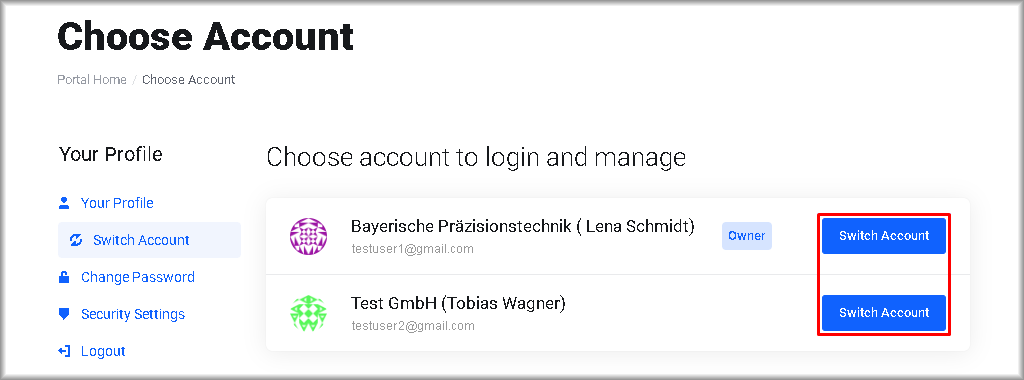
The management interface will switch to the selected account. The available data and sections will be limited by the permissions granted to the user in that account. To switch to another account, return to the list and repeat the steps.